Ebrius Disputatios

linuxkernel

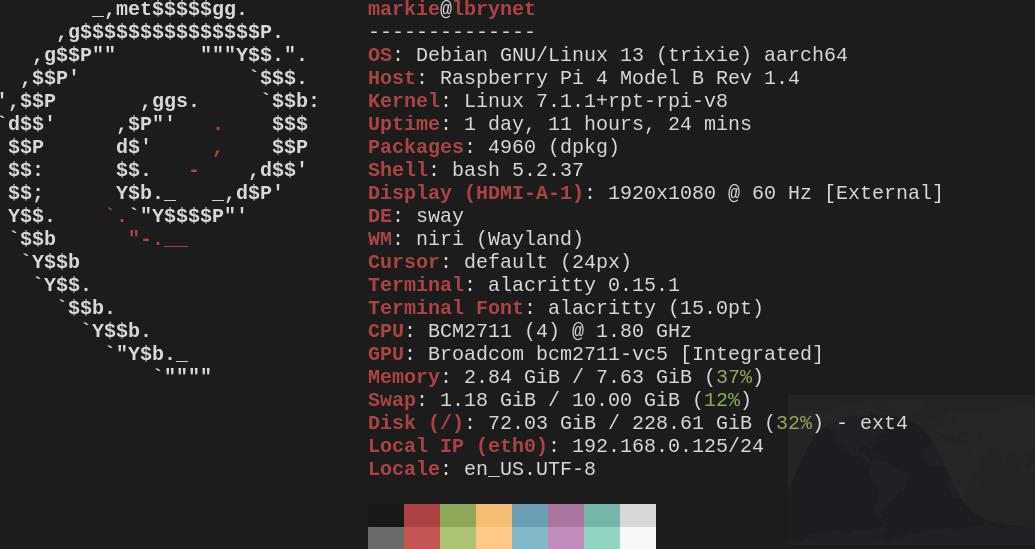
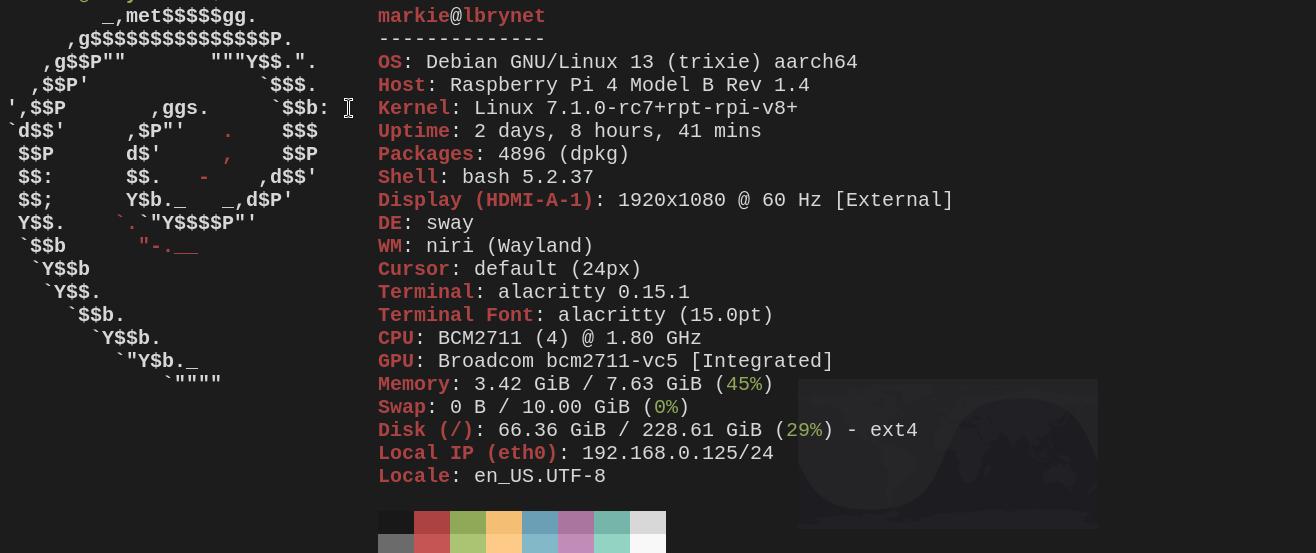
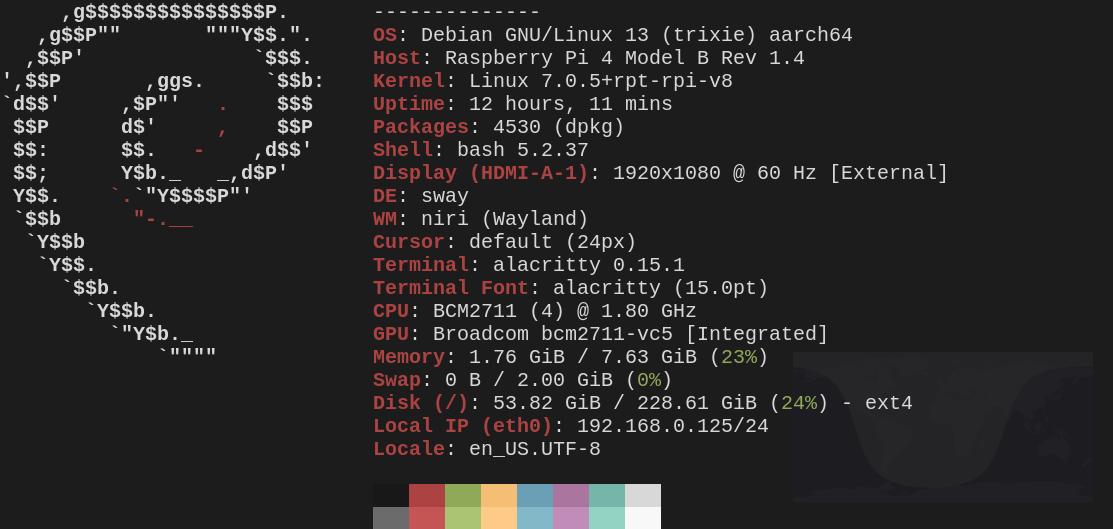
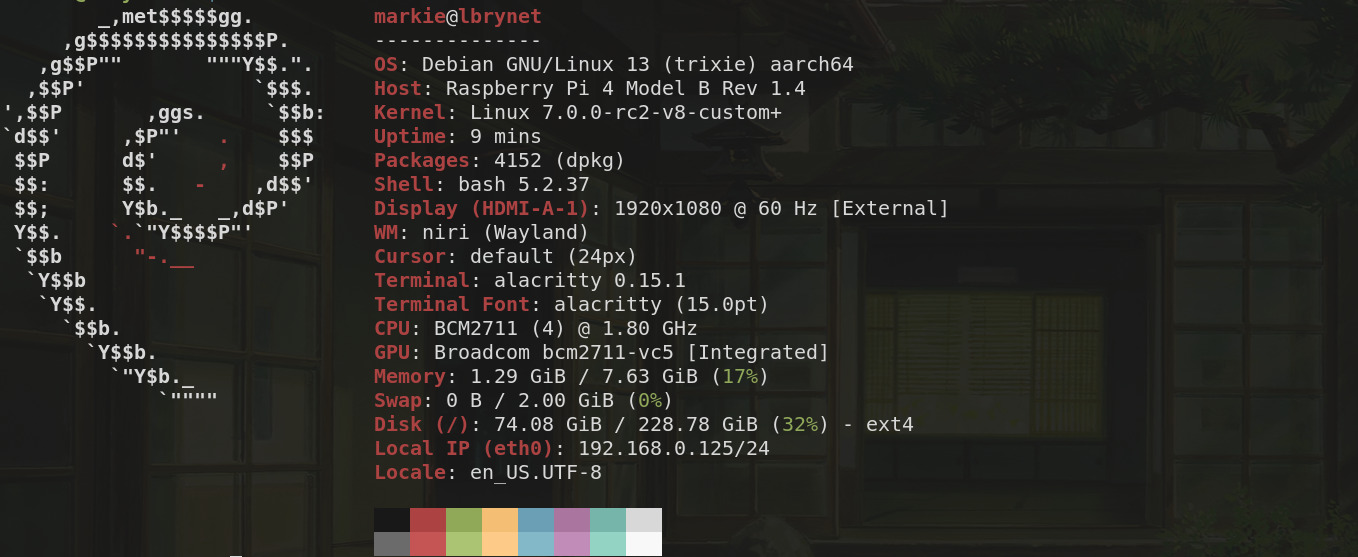
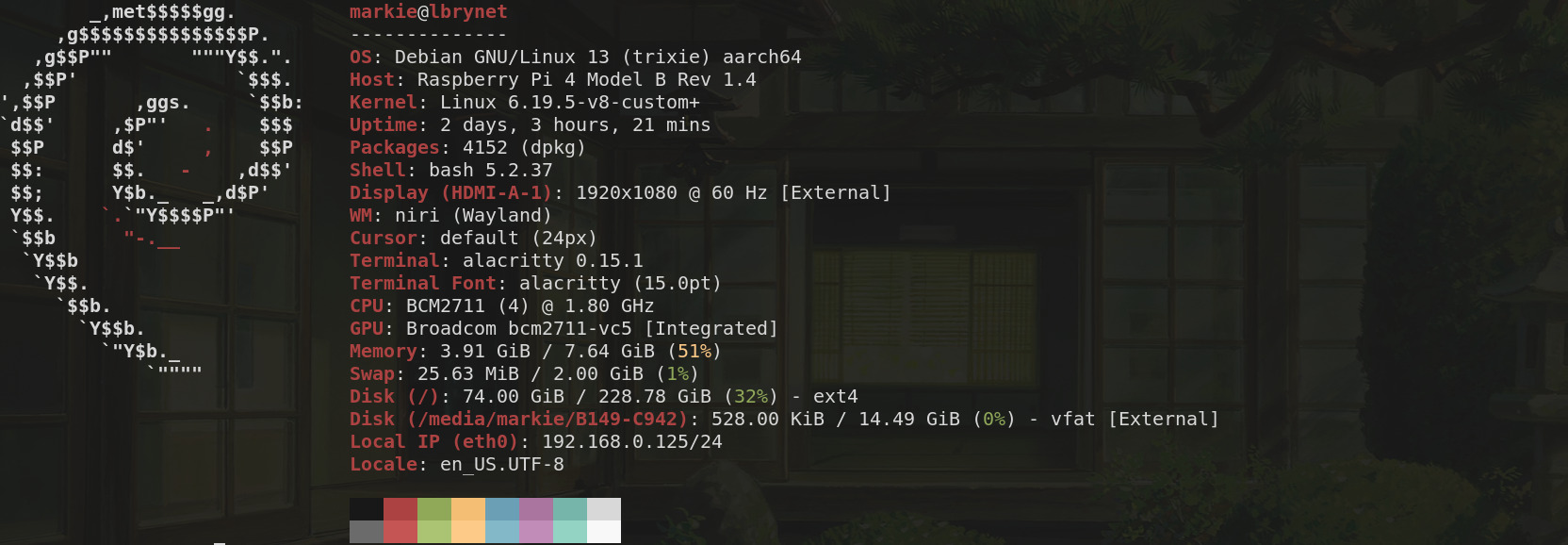
Latest Bleeding Edge Linux Kernel, 7.0-rc2 On Raspberry Pi 4B.
This kernel has been running for 27 minutes at the time of this post and it was running a little hot initially but things seems to be settling down. All the relevant services seem to be working as normal on the Raspberry Pi 4b hosts thus far.
This kernel, 6.19.5 had been running since Sunday 01 March, 2026 until less that an hour ago and I found it to be stable with no crashes or noticeable anomalies. With the exception that some Raspberry Pi 4 versions did run very hot even with fans and heat sinks. One such device got as hot as 80°C. However, that was mitigated by adding an extra fan which kept temperatures on the same device averaging 42°C.

Since last Sunday, March 01, 2026, I had been running the current stable kernel of that time, kernel-6.19.5, which has now been upgraded to kernel-6.19.6 as of the time of this post. I found the 6.19.y kernels to be stable, reliable especially after the version 6.19.2, relative to the Raspberry Pi which was my test device.

If one remembers correctly, the 6.19.1 and 6.19.2 caused a number of kernel crashes and unscheduled reboots, however, upon the implementation of 6.19.3 to the present, those problems never resurfaced. Obviously, we'll be monitoring the latest test kernel and I'll make notable reports some time next week to list any bugs, progress or anomalies. So far, everything seems to be running smoothly. Thanks.

#LinuxKernel

There Were Some Anomalies In The last Series.

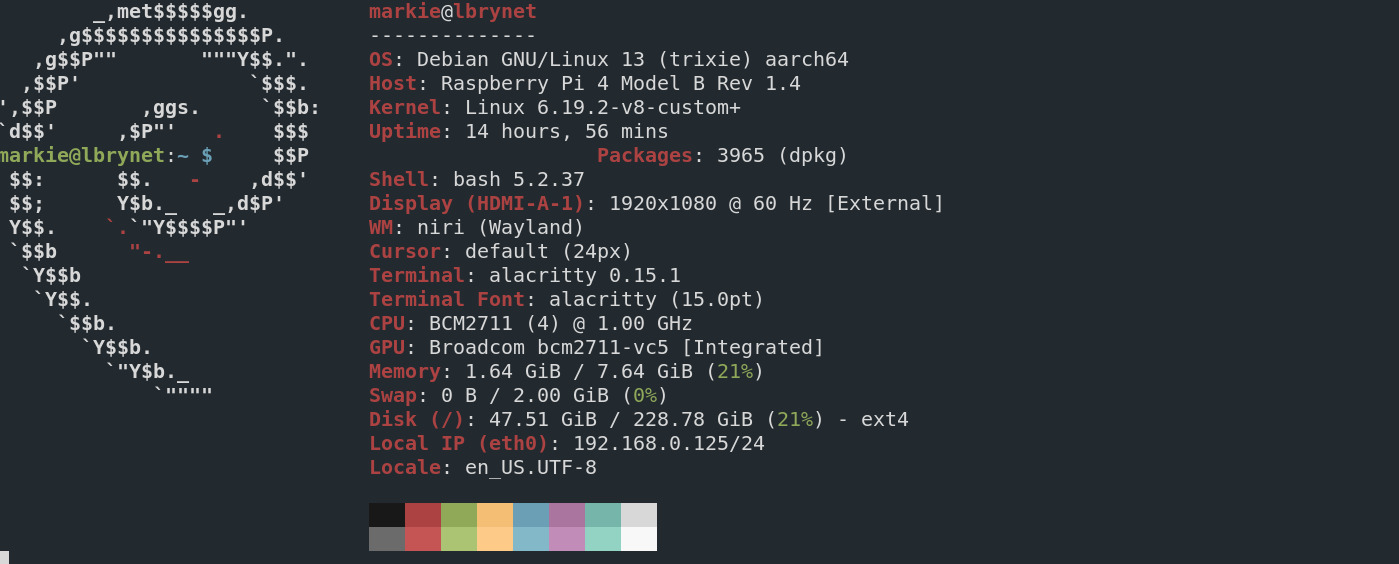
Everything wasn't as perfect as my last post may have indicated, for no sooner had I ended my last post on this subject, some strange things started happening. Well two things actually, but they occurred more than once. Also, it should be noted that I've disabled arm_boost and throttled the CPU speed down to 1GHz for this particular test, since I don't think that I have to max the CPU out since running at 1GHz still runs everything smoothly and keeps the processor cooler too.

The first thing I began to notice were unscheduled shutdowns and restarts. Which when investigated using the command 'last reboot,' I found out that those reboots were caused by crashes on two separate occasions, presumably by the kernel. The second thing I noticed were higher temperatures, even though I have active cooling via fans and heat sinks.

On further investigation, I also found out that the current default, stable Raspberry Pi OS kernel, 6.12.62+rpt-rpi, had seven unscheduled reboots, in nine days, due to crashes as well and, the previous Raspberry Pi OS kernel, 6.12.47+rpt-rpi, crashed twice in all the weeks or months since it was installed, presumably.

Now this is becoming more intriguing, since perhaps, this is more than just kernels failing, perhaps, it has to do with the Raspberry Pi OS or any other number of things, including drivers, hardware and more. Now I only refer to the operating system since I have four other Pis that are running other operating systems, that aren't exhibiting these symptomatic anomalies. Two of them are running Debian Trixie, another is running Alpine Linux and another is running OpenWRT.

Anyway, I couldn't stay away from tinkering again so a few days ago, I upgraded from kernel 6.19.0 to 6.19.3 and so far, although it may obviously, be too early to tell, everything seems to be working well again, with kernel 6.19.3. I don't have too much relevant data to make any conclusions but I have learned more about benchmarks and testing suites to help give these kernels and the system in general, some stress tests and see how things pan out.

I just updated the git tree and I noticed that kernel 6.18.13 is ready for testing although it may be 6.18.12 in the Raspberry Pi OS tree. Either way, we'll see how they're progressing too and hopefully, while I'm still evaluating kernel 6.19.3 I won't have any serious issues. #LinuxKernel

Testing Linux 6.19.0 On A Raspberry Pi 4.
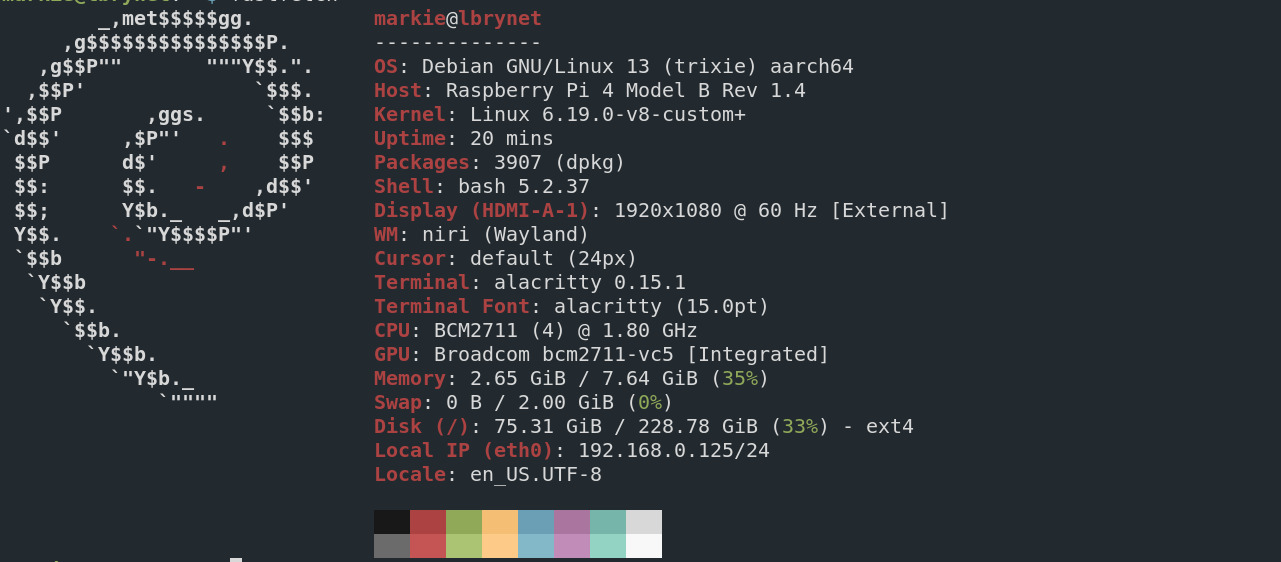
I compiled and built the new, Linux kernel 6.19.0, on a dedicated Raspberry Pi, which was delegated for the job, to use on other Raspberry Pis, using these instructions. and it took a little over one hour. The last kernel, tested was kernel 6.18.9, which was stable but it seemed to use much more memory and seemed much more CPU intensive than the, now latest kernel in the Raspberry Pi OS, repository, which at the time of this article, is currently kernel 6.12.62.

Building kernels for some people, is considered fun, however, what must be admitted is that in this matter, leaping without looking was our initial method here, since we haven't yet familiarized ourselves with the potential kernel benchmark tools to make any real scientific declarations on our findings.

This should have been obvious to us at the onset, but as stated, we jumped before leaping. Therefore, much of our declarations here, will be akin to opinions based on emotions rather than scientific methods. We'll work on becoming proficient with Linux kernel benchmark software so that we can become better at the scientific method.

That being said, this kernel 6.19.0, seems to be stingy with memory and CPU resources. It's early yet, but I think I like it a lot. I won't getting too attached however, since this version, the 6.19.y, will not be a long term support kernel but I couldn't resist testing it out.

Now I followed the instructions, almost to the letter, but I skipped a few steps. Namely, I didn't bother to copy over the dtbs, which for those who don't know are the device tree binaries, nor the overlays either. I took the chance that the old ones, installed with the kernel 6.12.y, would work. I didn't want to unnecessarily complicate the test or confuse myself when the time came to revert to the officially supported kernel version in the Raspberry Pi's repository.

I also didn't overwrite my old kernel with the new one either. I just named the new kernel mycustomkernel.img or something like it and made an edit in the config.txt file, located in the boot, firmware directory and that worked well. While I may have omitted the steps I mentioned, I did include one step not in the official instructions, of make -j6 Image.gz modules dtbs, by adding bindeb-pkg to the list. Which included three Debian, deb archive files, of which I extracted the modules, and headers from.

I didn't install the deb packages since that could, provide another layer of complexity. It is just easier to extract the archives using the GNU ar tool, then tar and place the modules and their respective directories. That way, when one has finished playing and testing, one can just remove them with little or no side effects.

Kernel 6.19.0 runs well on the Raspberry Pi. Everything seems to be working correctly. Video is working, audio WiFi, Bluetooth and so far as one can see, the transition has been seamless. As stated earlier, no real scientific bench marking has been done since we were premature in our testing and mainly motivated by enthusiasm. We will do better in that department in the future and preface to say that our findings are purely based on user experience and emotion.

#LinuxKernel